 TV Remote
TCL TV remote app
One remote app for every TCL TV.
TCL sells Roku TVs, Fire TVs and Google TVs. TV Remote works with all three and works out which one you have, so you don't need a separate app for each.
 Free for one TV. Pro is $9.99 once, or a 7-day free trial then $4.99/year.
Set it up in a minute
- Put your device on the same Wi-Fi as your TCL.
- Open TV Remote and tap Find My TV. Your TCL appears.
- Tap it. A TCL Roku TV connects right away. A TCL Fire TV or Google TV shows a code on screen: type it into the app.
What you can do
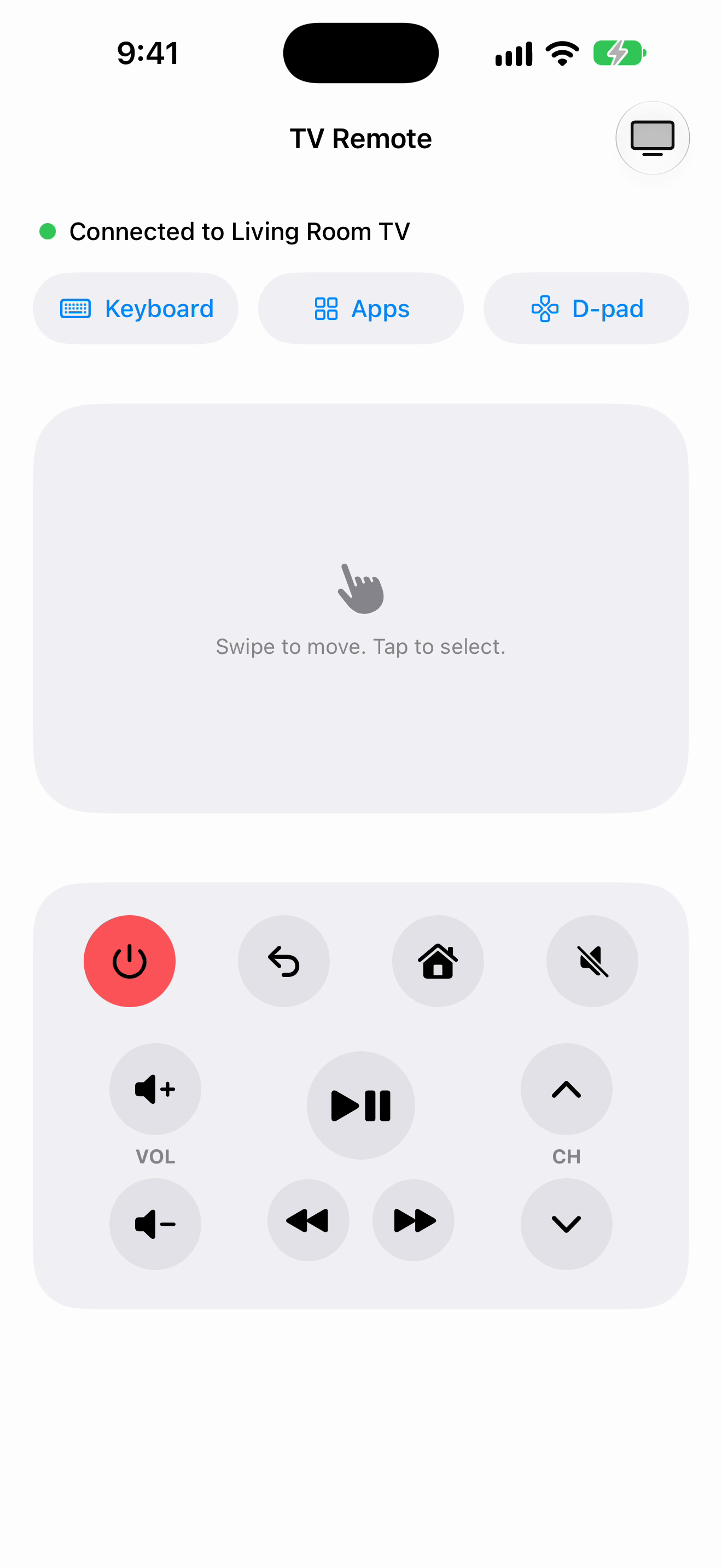
- The D-pad, OK, Back and Home
- Playback controls
- Volume and power, on models that allow it
- Open your apps (Pro)
- Type with your keyboard (Pro)
Questions
Which TCL do I have?
Look at the TV's home screen. You'll see a Roku, Fire TV or Google TV look and logo. You don't need to know, though: TV Remote detects it.
My TCL Roku TV says it's blocking control apps
Set Settings › System › Advanced system settings › Control by mobile apps › Network access to Default.
Is it really free?
Free for one TV. Pro is $9.99 once, or a 7-day free trial then $4.99/year.
Works with your other TVs too
Free for one TV. Pro is $9.99 once, or a 7-day free trial then $4.99/year.