 TV Remote
Lost the remote?
Lost the TV remote? Your phone can stand in.
Before you buy a replacement, try your phone. If your TV is already on your Wi-Fi, TV Remote can usually control it in about a minute, and the full remote for one TV is free.
 Free for one TV. Pro is $9.99 once, or a 7-day free trial then $4.99/year.
Set it up in a minute
- Make sure the TV is on. Use the power button on the TV itself if you need to.
- Download TV Remote, then tap Find My TV. Your phone needs to be on the same Wi-Fi as the TV.
- If the TV asks you to approve the connection, use the buttons on the TV (usually under the front edge or on the back). Roku TVs need no approval at all, and Fire TV and Google TV show a code you type into your phone.
What you can do
- Works with Roku, Fire TV, Google TV and Android TV, Samsung, LG, Vizio, Sony, Panasonic, Philips, Hisense and TCL
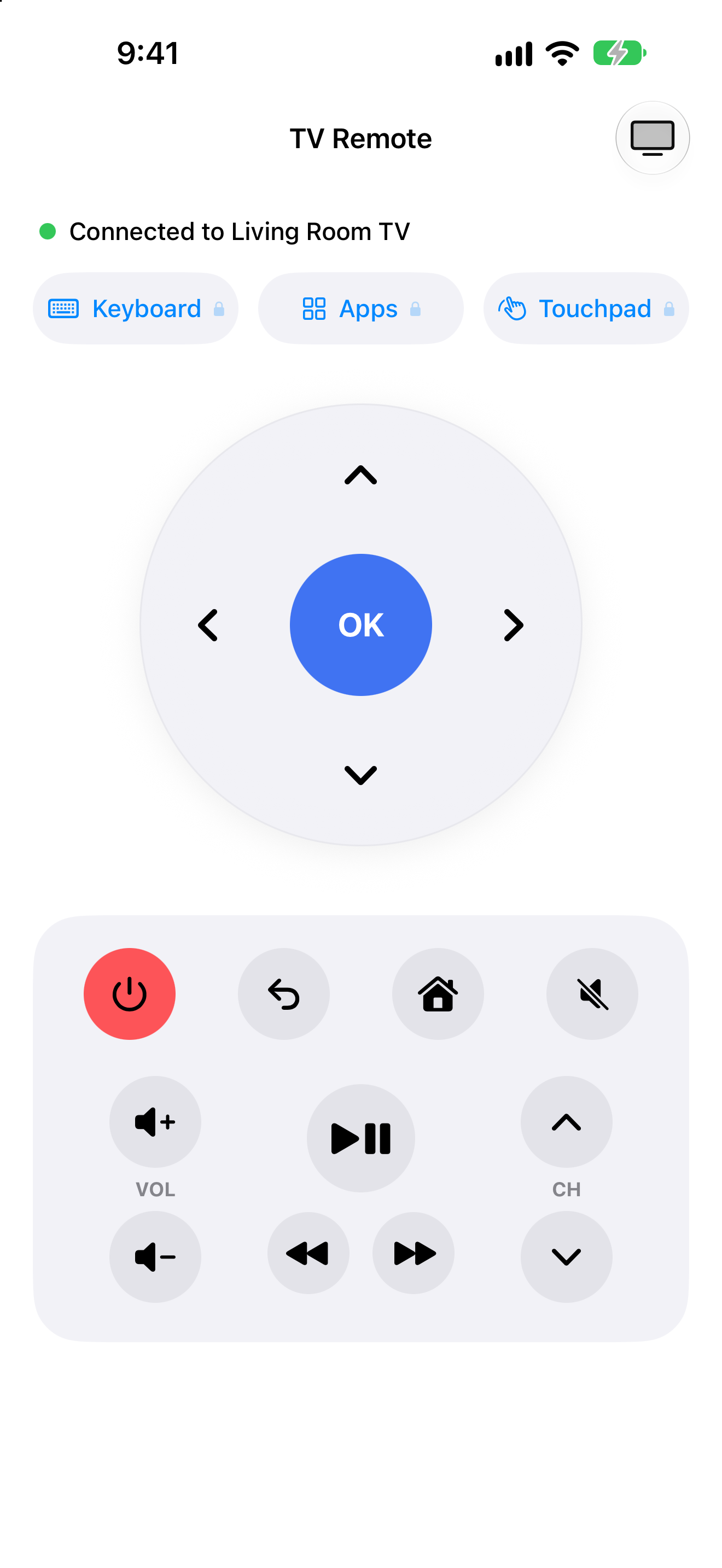
- The D-pad, Home, Back, volume, playback and more
- No account and nothing to sign in to
Questions
My TV isn't on Wi-Fi
Then a phone app can't reach it. You'll need the TV's own buttons, or a basic universal remote, to connect it to Wi-Fi once.
Which brands need no approval on the TV?
Roku. Fire TV and Google TV use a code shown on screen that you type into your phone. Samsung and LG ask you to press Allow on the TV once.
Is it really free?
Free for one TV. Pro is $9.99 once, or a 7-day free trial then $4.99/year.
Works with your other TVs too
Free for one TV. Pro is $9.99 once, or a 7-day free trial then $4.99/year.