 TV Remote
Fire TV remote app
Your Fire TV remote, on your iPhone.
TV Remote works with Fire TV Sticks and Fire TV smart TVs, including TCL Fire TVs. Pair once with the code on your screen, then move around, open your apps and type searches from your phone.
 Free for one TV. Pro is $9.99 once, or a 7-day free trial then $4.99/year.
Fire TV support is new and marked Beta in the app. If your model has trouble, email awfasano@gmail.com with the model and we'll fix it.
Set it up in a minute
- Put your iPhone, iPad or Mac on the same Wi-Fi as your Fire TV.
- Open TV Remote, tap Find My TV and choose your Fire TV.
- Your TV shows a short code. Type it into the app. You only do this once.
What you can do
- The D-pad, Select, Back and Home
- Play and pause
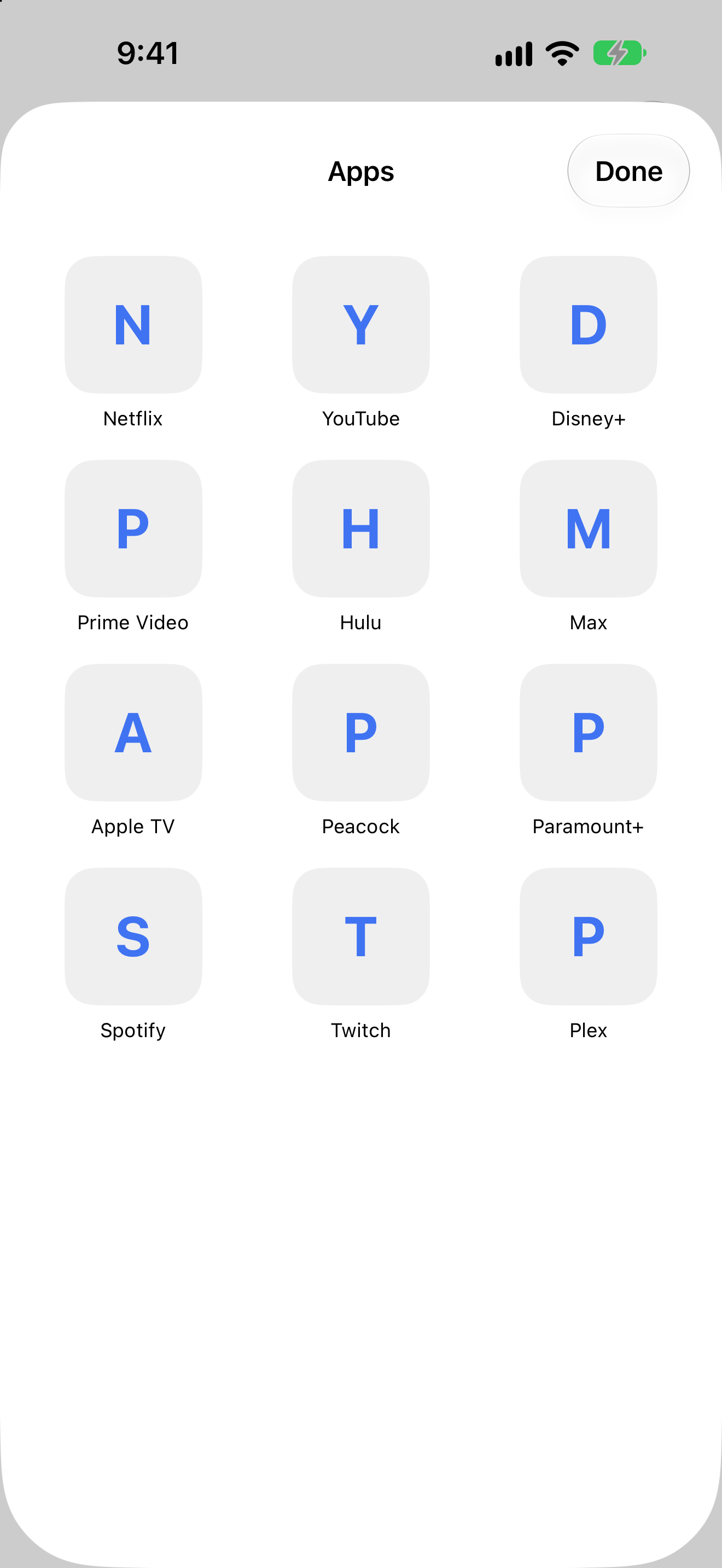
- Open the apps installed on your Fire TV (Pro)
- Type searches with your keyboard (Pro)
- On a Mac, the arrow keys, Return and Space work as the remote
Questions
The app is asking for a code. Where is it?
On your TV screen. Fire TV shows a code the first time you connect. Type it into the app and you won't need it again.
Do I need to turn on Developer Options?
Not on current Fire TV models, which pair with the on-screen code. Some older models need ADB debugging turned on, and the app walks you through it.
Can it open any app?
It opens the apps installed on your Fire TV.
Is it really free?
Free for one TV. Pro is $9.99 once, or a 7-day free trial then $4.99/year.
Works with your other TVs too
Free for one TV. Pro is $9.99 once, or a 7-day free trial then $4.99/year.