 TV Remote
Samsung TV remote app
Control your Samsung TV from your iPhone.
TV Remote connects to Samsung smart TVs over your Wi-Fi, so your phone, iPad or Mac becomes the remote. That includes newer Tizen models and many 2011–2015 sets.
 Free for one TV. Pro is $9.99 once, or a 7-day free trial then $4.99/year.
Samsung support is new and marked Beta in the app. If your model has trouble, email awfasano@gmail.com with the model and we'll fix it.
Set it up in a minute
- Turn the TV on and put your device on the same Wi-Fi.
- Open TV Remote and tap Find My TV, then choose your Samsung.
- The first time, the TV asks whether to allow the connection. Choose Allow.
What you can do
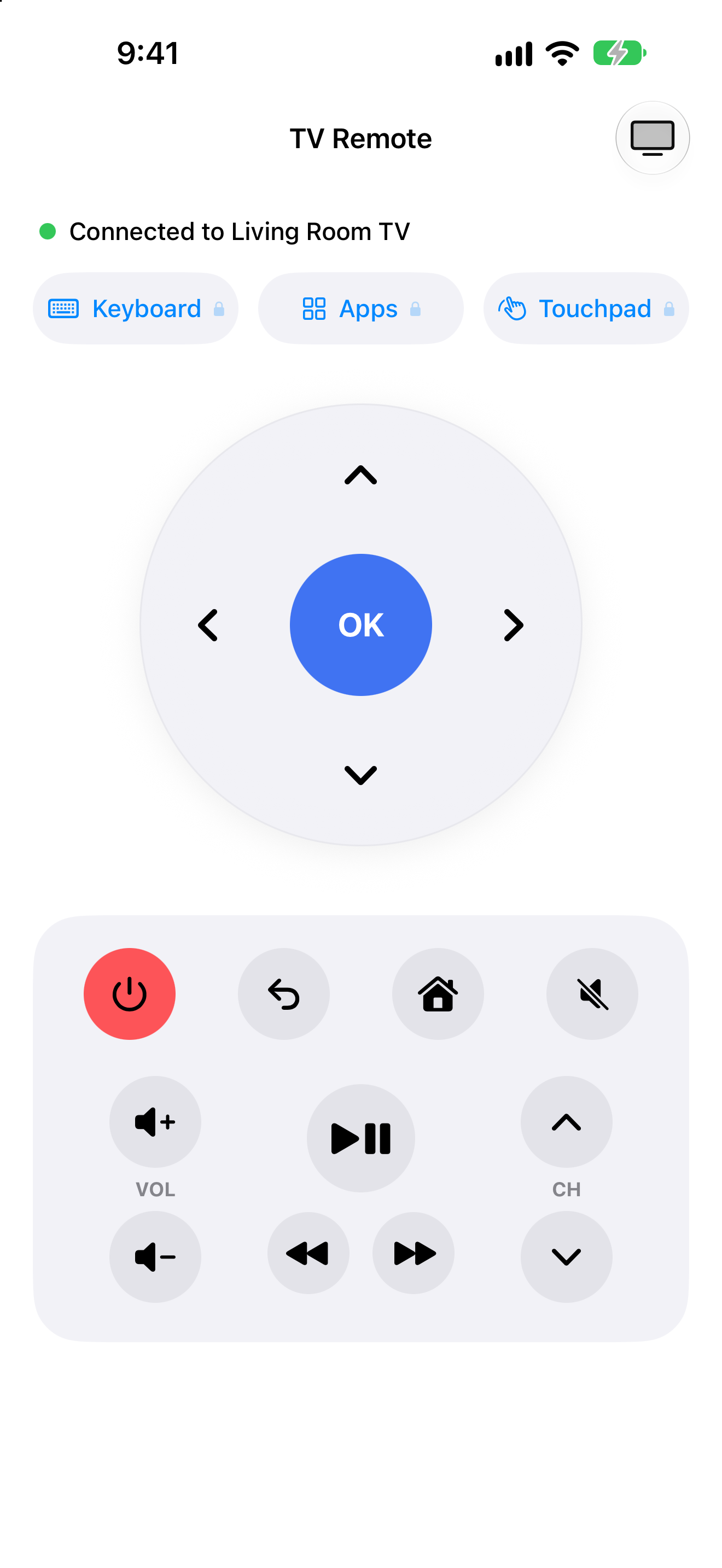
- The D-pad, OK, Back and Home
- Volume, mute and power off
- Play, pause, rewind and fast-forward
- Open your TV apps (Pro)
- Type with your keyboard (Pro)
Questions
The TV showed a pop-up. What do I press?
Choose Allow. If you have no remote, use the control button on the TV itself, usually under the front edge or on the back.
The app can't find my Samsung
Make sure the TV is on and on the same Wi-Fi network, not a guest network. On some models, device access is under Settings › General › External Device Manager › Device Connection Manager.
Does it work with older Samsung TVs?
Yes. Many 2011–2015 Samsung smart TVs are supported as well.
Is it really free?
Free for one TV. Pro is $9.99 once, or a 7-day free trial then $4.99/year.
Works with your other TVs too
Free for one TV. Pro is $9.99 once, or a 7-day free trial then $4.99/year.