Bring one video.
Choose a video from Photos or Files. Your original stays in its original location.
 SendSmall
A VIDEO SIZE TOOL
Choose a size, check the finished video, and send the copy you meant to send.

Free to try: your first 3 compressions are free. Pro is $4.99 once, or a 7-day free trial then $2.99/year.
View the App Store listing.
Available for iPhone, iPad and Mac (macOS 14 or later).
A SMALL, PRACTICAL WORKFLOW
Choose a video from Photos or Files. Your original stays in its original location.
Pick 10, 25 or 50 MB, or enter your own target. SendSmall measures the finished result.
Preview it and give it a useful filename. Save or share a copy to a destination you choose; the Mac version also offers Save Video Copy.
CHECK THE DETAILS
Some videos already fit. Those are copied without re-encoding. For others, SendSmall creates an H.264 MP4 and checks its size. An over-limit result is clearly identified, so you can choose a larger target or another video.
INSIDE THE APP
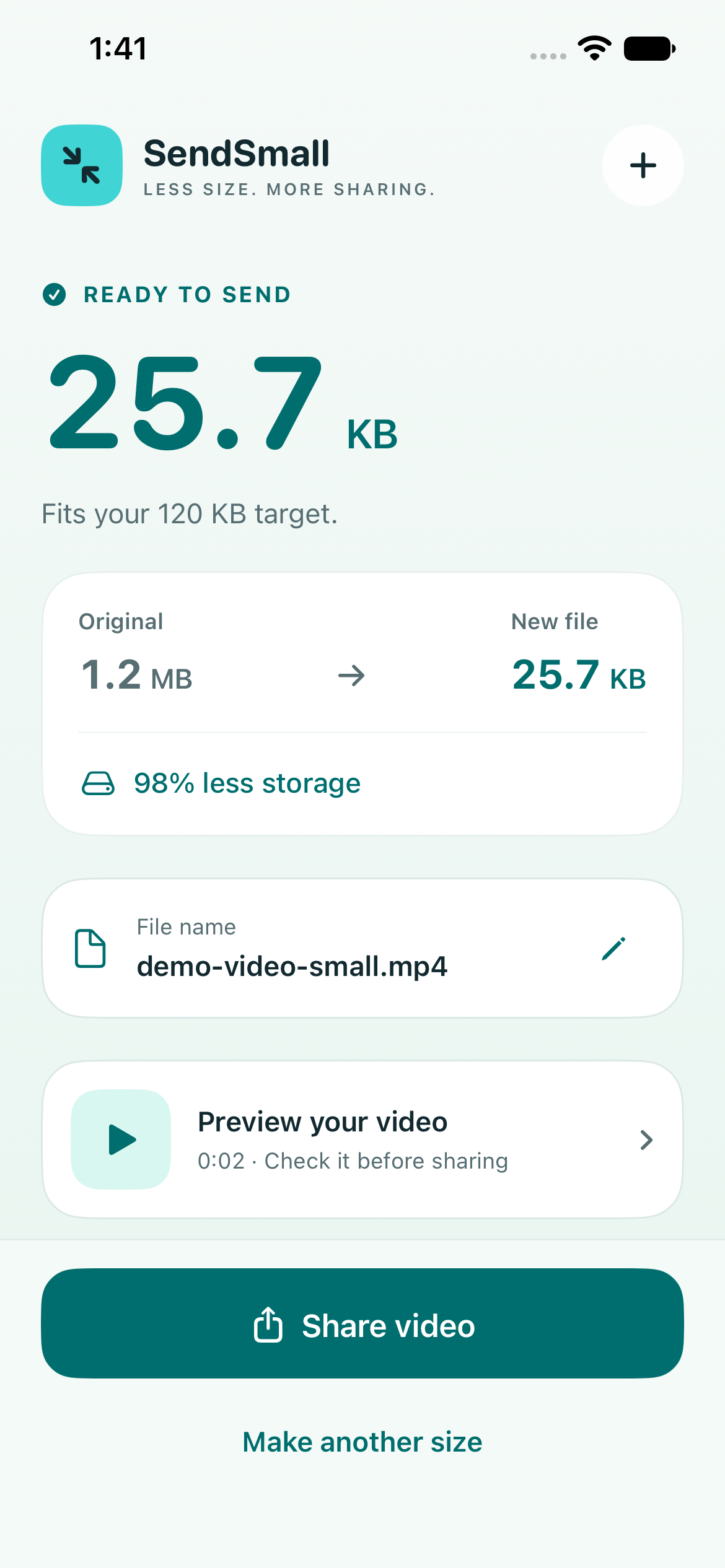
Genuine simulator screens from a synthetic video test. Tap a screen to inspect it. Example sizes do not predict the result for your files.
ON YOUR DEVICE
Processing happens on your device. SendSmall has no developer-hosted video service, accounts, ads or analytics.
Photos and file providers may download items from your own cloud storage. Inputs and results in SendSmall are temporary: save a finished copy before creating another result, replacing or resetting the workflow, or reopening the app. There is no automatic video, workflow or settings sync between devices; move a saved video through a destination you choose.
Read the privacy policy →Your first 3 compressions are free. SendSmall Pro unlocks unlimited compressions:
$4.99 once, no subscription required, or a 7-day free trial then $2.99 per year (auto-renews until canceled).
Available for iPhone, iPad and Mac (macOS 14 or later).
GUIDES